Learning path
Five courses that take Microsoft Excel as far as accounting and finance work needs it to go — from the formulas and shortcuts you use every day to dashboards, data analysis and automation with VBA.
5 courses·28 NASBA CPE
Every course in this path is included.
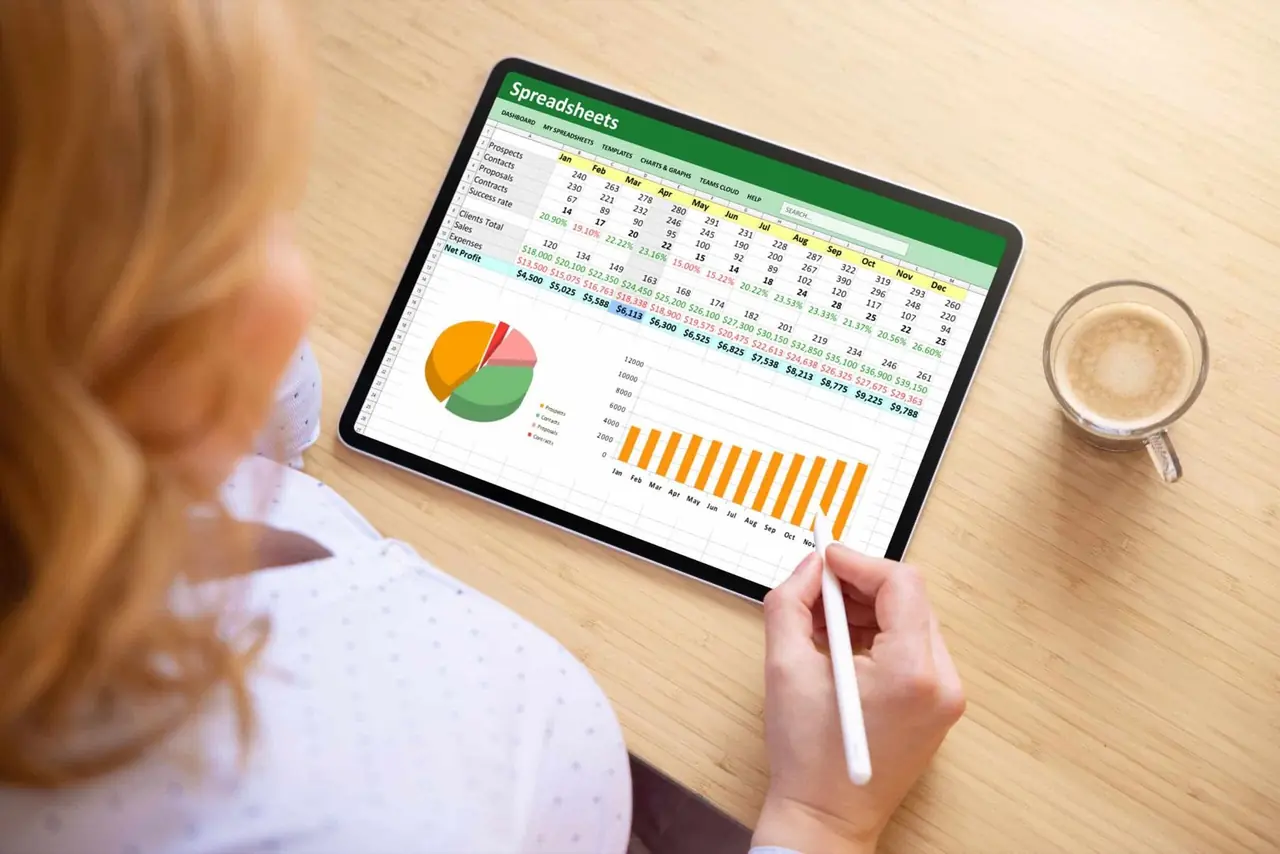
Six things the path teaches, each one built on the kind of file already on your desk.
The formulas, functions and shortcuts that save time on every file.
Dynamic reporting in Excel, then the same data in Power BI.
PivotTables, data modeling and the advanced formula set.
VBA macros that cut manual effort and the errors that come with it.
Analytics fundamentals that turn raw data into something the business can act on.
Practical skills built on accounting and finance work, not sample workbooks.
Five courses, from the formulas you use every day to dashboards, analytics and VBA. Each one earns NASBA CPE on its own.
Only the formulas, functions and shortcuts that matter most — the set that lets you take on any spreadsheet or analysis.
Computer Software & Applications
Builds on the Bootcamp with INDEX/MATCH, advanced PivotTables and the rest of the advanced function set.
Computer Software & Applications
Dynamic dashboards built end to end in Excel, then the same data taken into Power BI, Microsoft’s business intelligence tool.
Computer Software & Applications
Using only Excel: the core techniques to analyze, interpret and present large data sets.
Statistics
Write macros from the first line of code and hand Excel the repetitive work that eats hours every month.
Computer Software & ApplicationsAccountants, finance professionals, auditors — anyone who wants more out of the spreadsheet they already open every morning.
For as long as your plan is active, and you can cancel at any time.
Yes. Microsoft Excel Bootcamp covers the essentials for anyone starting out or refreshing, and the other courses build on it.
Choose a plan and every course on the path opens immediately, in any order you like. There is no separate enrollment step for the path.
Yes. Every course issues its own certificate of completion recording the NASBA CPE earned, and your credits are tracked for you in the CPE Tracker.
Microsoft Excel, preferably a current version, and Power BI for the dashboards course. The VBA course uses Excel’s Developer tab, which is built in but has to be switched on.
The videos play on any device, but the exercises are worked in Excel, so a computer with Excel installed gets the most out of them.
Every course in this path is included.
Wisdify is registered with the National Association of State Boards of Accountancy (NASBA) as a sponsor of continuing professional education on the National Registry of CPE Sponsors (Sponsor ID: 142016). State boards of accountancy have final authority on the acceptance of individual courses for CPE credit. Complaints regarding registered sponsors may be submitted to the National Registry of CPE Sponsors through its website: www.nasbaregistry.org.